AI Halloween costume videoAI Halloween costume video from one photo
An AI Halloween costume video turns one photo of you into a short clip of you wearing a costume, such as a vampire, witch or skeleton, and moving in a spooky scene. Upload a clear photo, pick a costume or describe one, and the AI dresses and animates you. Most tools only make a still costume picture; Vivimo makes it move. On Vivimo, upload your photo below for a free 5-second preview, no sign-up needed.
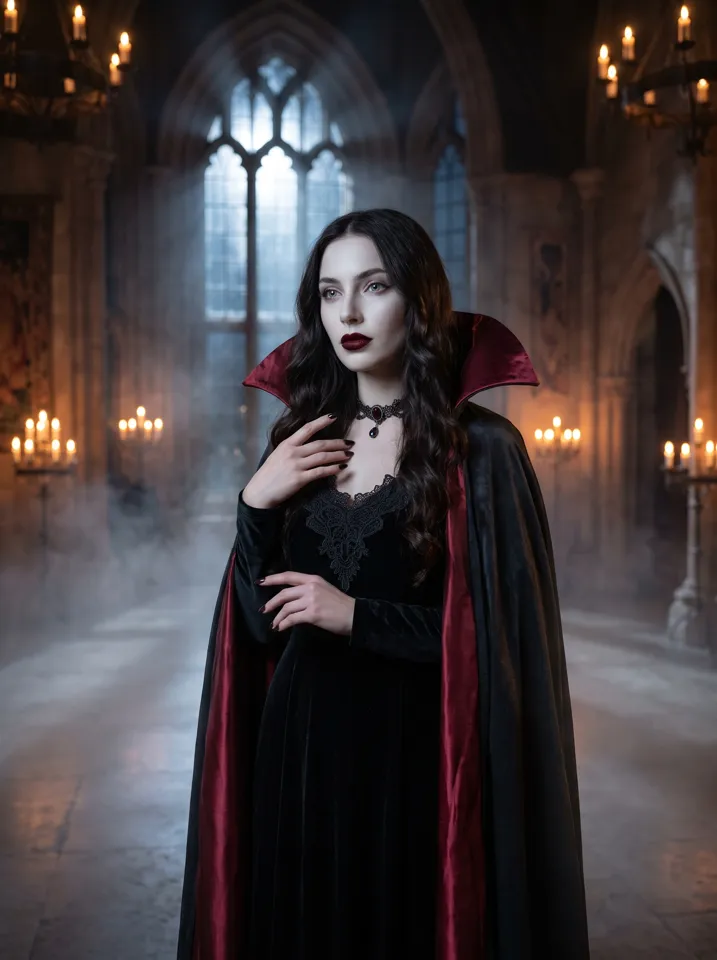
Updated October 27, 2026 · 1 photo · No prompt needed
Quick facts: AI Halloween Costume on Vivimo
| Photos needed | Clear photo of you |
|---|---|
| Free preview | 2 a day, 5 s at 480p, watch online, no sign-up |
| With credits | 5–15 s, download without watermark; 720p with the Pro pack |
| Price | From $9.99 for 12 credits, one-time; 1 credit = 1 second at 480p |
| Prompt | Not needed, the motion is preset |
| Sound | Video only; add the trend sound in TikTok, Reels or Shorts |
| Time | Usually 30 seconds to 3 minutes |
How does an AI Halloween costume video work?
An image model first redraws you in the costume you pick, keeping your face, hair and pose.
A video model then animates that picture into a few seconds of motion, for example a cape swirling, a smile turning into a fang grin, or fog rolling past.
Search interest in AI Halloween costumes peaks every October, and most results are still images. A moving clip is easier to share on TikTok, Reels and Shorts.
You can describe your own costume in a sentence, such as "a werewolf in a torn plaid shirt under a full moon".
How to make the AI Halloween Costume AI video
- Upload a clear photoYour face and upper body, facing the camera, in even light.
- Pick or describe a costumeVampire, witch, skeleton, zombie, pumpkin head, or write your own.
- Get your clipDownload a short video of you in costume, moving in a Halloween scene.
Photo tips for the best result
- Front-facing, sharp photos keep your likeness in the costume.
- Plain backgrounds let the AI build the spooky scene around you.
- Costume ideas: vampire, witch, skeleton, zombie, werewolf, ghost bride, pumpkin head, mummy.
- Only use your own photo, or one from an adult who agreed to it.
FAQ
What is the difference between an AI costume picture and a costume video?
A picture shows you in costume. A video also animates you, with your cape, hair or the scene moving for a few seconds.
Can I choose my own costume?
Yes. Pick a preset or describe any costume in one sentence.
Can I make a costume video of my pet?
Yes. Pet costumes work best with a clear photo of the pet's face.
Is it free?
Yes. You get 2 free previews a day, 5 seconds at 480p to watch online, with no sign-up. Downloadable, watermark-free videos use credits; packs start at $9.99.
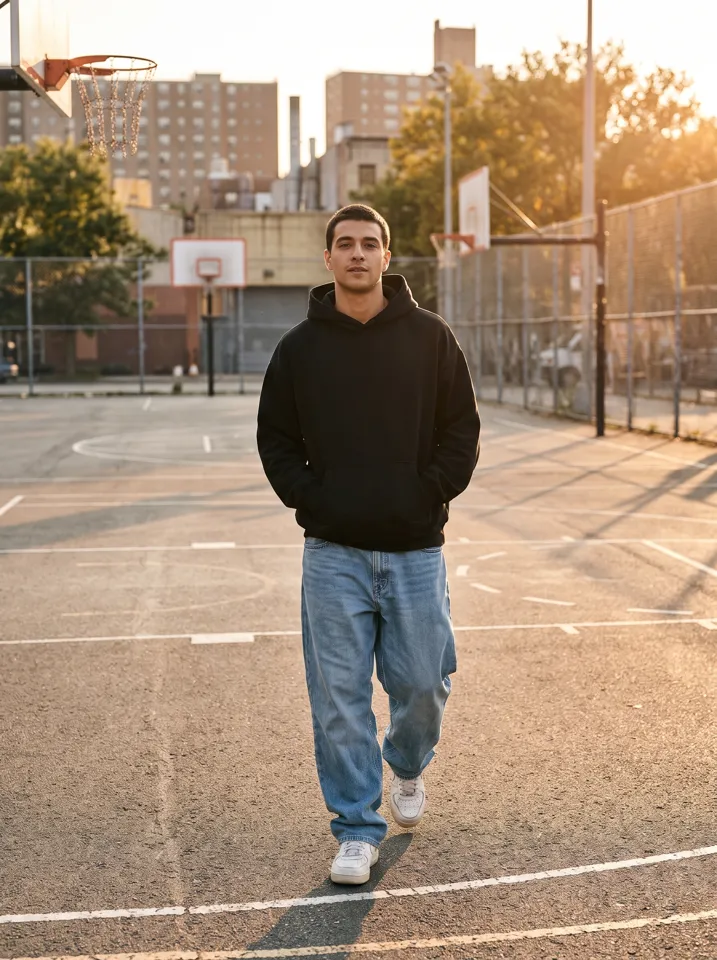 Keep On Steppin AI
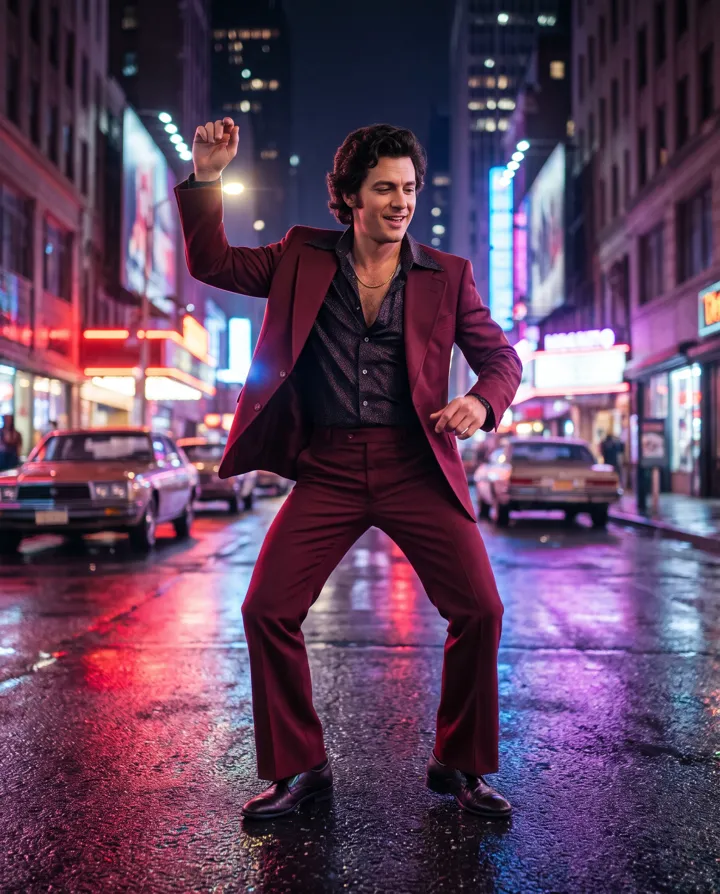 Uptown Funk AI
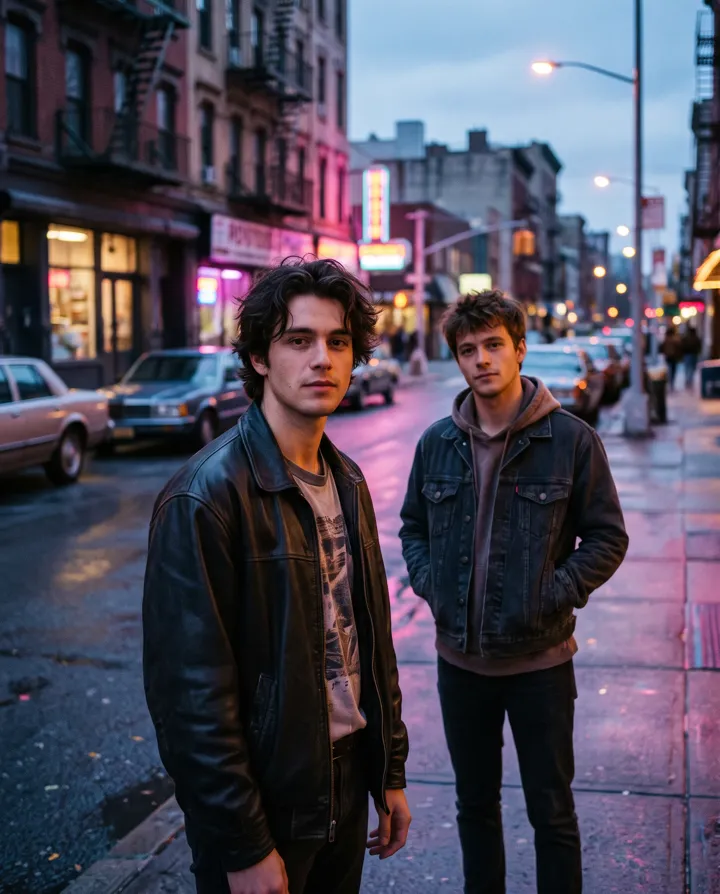 2 photos
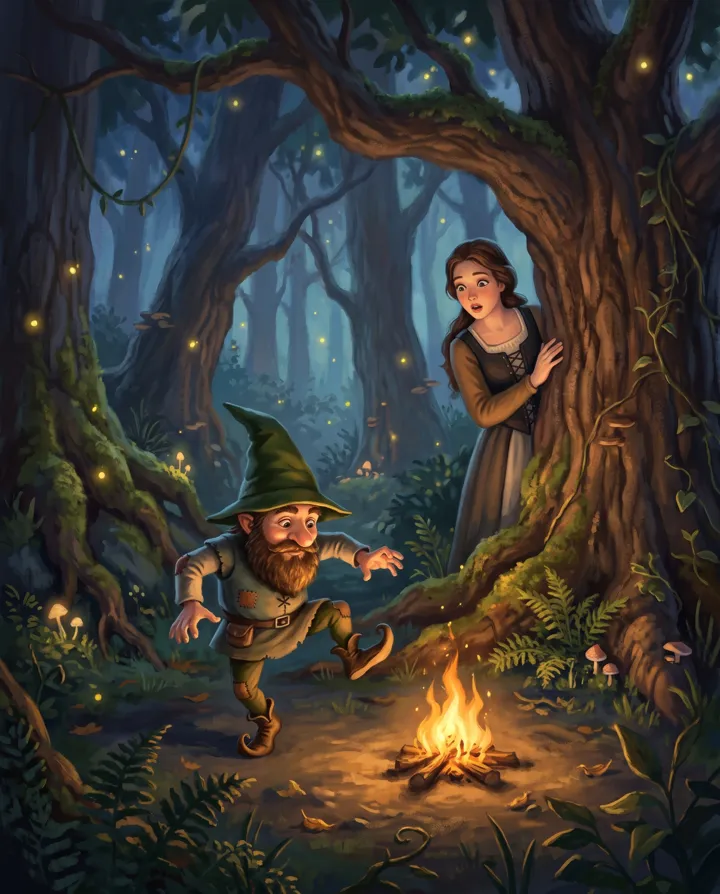 Rumpelstiltskin AI
 2 photos