AI hug videoMake an AI hug video from two photos
To make an AI hug video, upload two photos, one person in each, and Vivimo makes a 5-second clip where the two people face each other, smile, step closer and share a warm, friendly hug, then look at the camera. Best for: friends, couples and long-distance family who agreed to it. Two-photo effects use credits: 5 credits for 5 seconds, packs from $9.99.
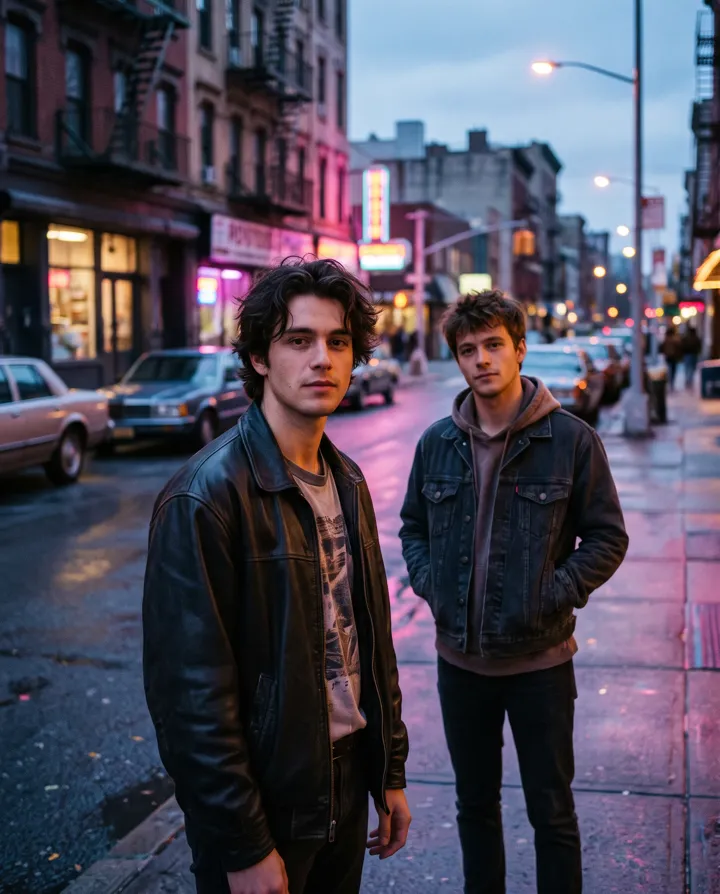
Updated October 27, 2026 · 2 photos · No prompt needed
Quick facts: AI hug video on Vivimo
| Photos needed | 2 photos (one person in each) |
|---|---|
| Free preview | Not available for two-photo effects |
| With credits | 5–15 s, download without watermark; 720p with the Pro pack |
| Price | From $9.99 for 12 credits, one-time; 1 credit = 1 second at 480p |
| Prompt | Not needed; the motion is preset (you can still write your own on the home page) |
| Sound | Video only, no audio |
| Time | Usually 30 seconds to 3 minutes |
How the AI hug video works
A reference-to-video model takes the two people from your photos and puts them in one new scene, then animates them walking together and hugging. It does not need a photo of them together.
Because the scene is new, the background comes from the model, not from your photos. Faces and clothes follow your photos as closely as the model can.
Use it only for adults who agreed, and never to imply a relationship someone did not want shown.
How to make an AI hug video from two photos
- Pick two clear photosOne person per photo, face visible, half body or full body.
- Upload both and press MakeThe hug is preset; no prompt needed. It uses 5 credits.
- Download the videoWatermark-free MP4, 5 seconds at 480p, or longer with the Popular pack.
Photo tips for the best result
- Similar framing in both photos (both half body, or both full body) gives a more natural hug.
- Good light on both faces.
- Avoid hats or sunglasses that hide the face.
- Photos of adults only, and only people who agreed.
- If the faces swap or blend, run it again.
FAQ
Is the AI hug video free?
No. Two-photo effects use credits: 5 credits for a 5-second video. Packs start at $9.99 for 12 credits. Single-photo effects have free daily previews.
Do I need a photo of us together?
No. Upload one photo of each person and the AI puts them in one scene.
Can I make a hug video with someone who passed away?
You can, with care. Many families find it moving; please think about how others in the family will feel before sharing it.
Can I use a photo of a celebrity or a stranger?
No. Only upload photos of adults who agreed, never of children or public figures.
How long is it?
5 seconds at 480p. With the Popular pack you can make up to 15 seconds.
 Animate old photos
 Pet photo to video
 Animate a selfie
 Product photo to video
Trending AI video effects
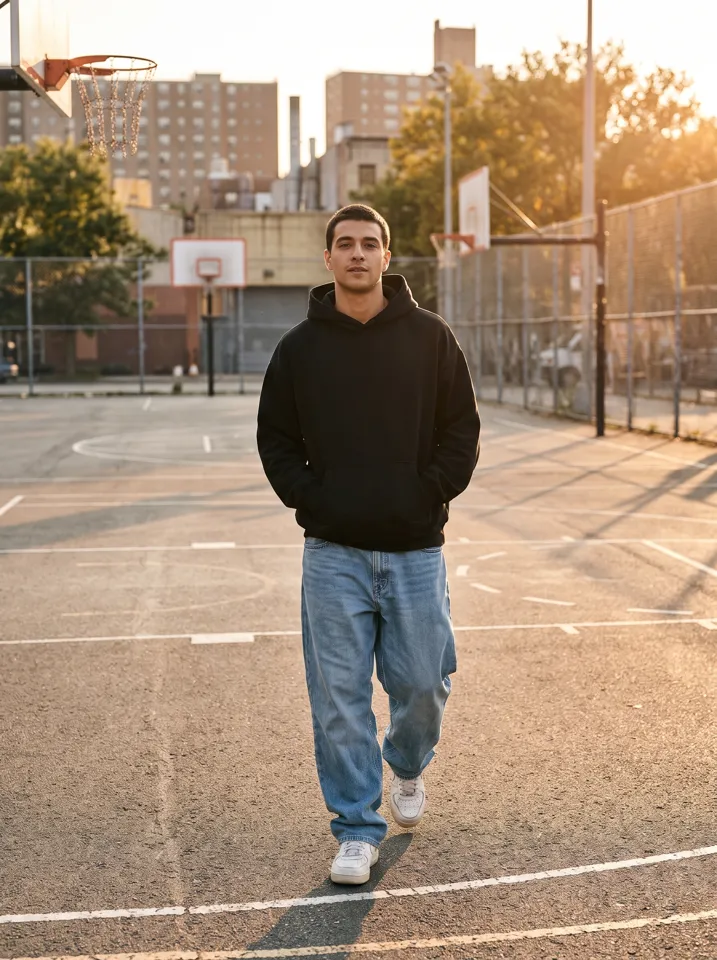 Keep On Steppin AIDo the Cale Brown steps from one photo
 Uptown Funk AILead the Uptown Funk street dance
 2 photosSmalltown Boy AIThe 80s high-note duo dance
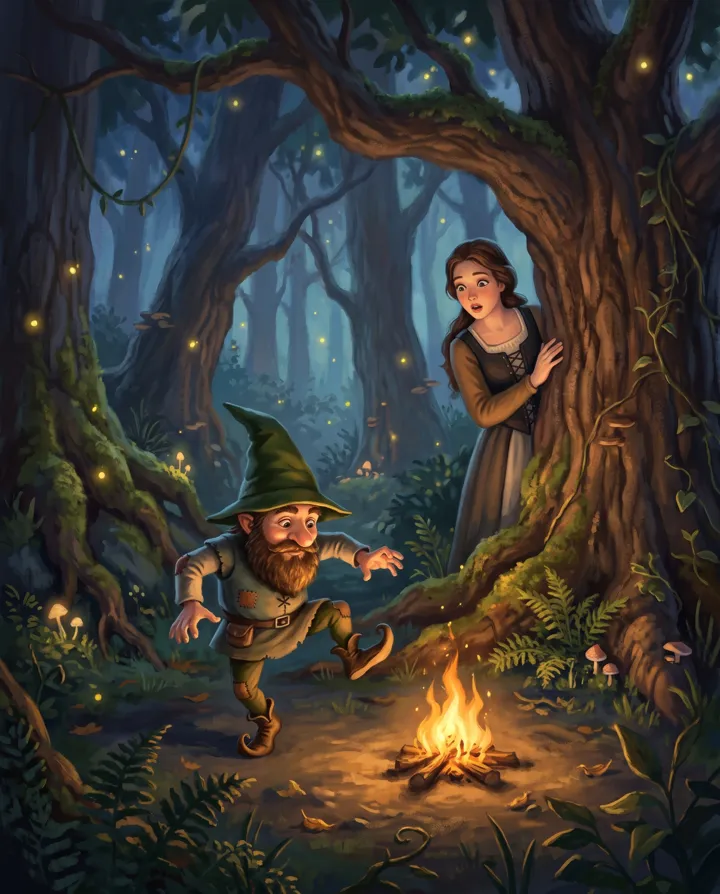 Rumpelstiltskin AIThe tiptoe dance meme, with your face
 2 photosAPT. AIA duo music video in the APT. style
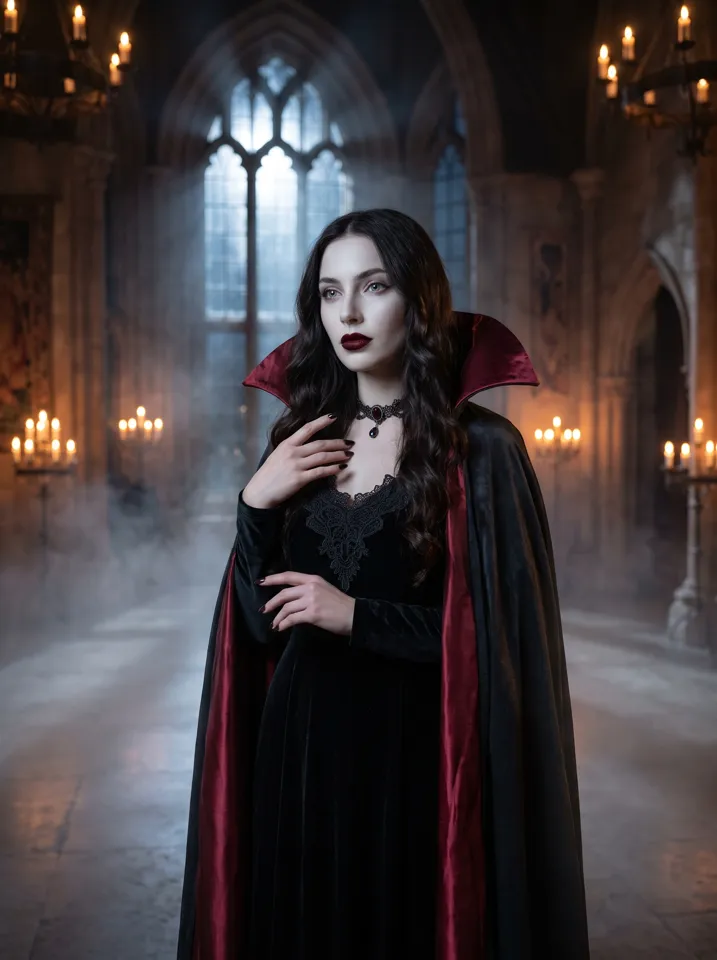 AI Halloween CostumeSee yourself move in costume
All AI video effects → · Turn any photo into a video with your own prompt →