Product photo to videoTurn a product photo into a video ad
To turn a product photo into a video ad, upload one clean product shot and Vivimo makes a short clip with a slow camera orbit and push-in, a light sweep across the surface and soft reflections, keeping the product's shape, colors and label unchanged. Best for: e-commerce listings, TikTok Shop and Instagram ads without a video shoot. Preview free; commercial use needs the Pro pack ($49.99).

Updated October 27, 2026 · 1 photo · No prompt needed
Quick facts: Product photo to video on Vivimo
| Photos needed | Product photo |
|---|---|
| Free preview | 2 a day, 5 s at 480p, watch online, no sign-up |
| With credits | 5–15 s, download without watermark; 720p with the Pro pack |
| Price | From $9.99 for 12 credits, one-time; 1 credit = 1 second at 480p |
| Prompt | Not needed; the motion is preset (you can still write your own on the home page) |
| Sound | Video only, no audio |
| Time | Usually 30 seconds to 3 minutes |
What you get from one product photo
The preset makes a classic studio "hero shot": the camera moves slowly around the product, light glides over it and small particles catch the light. Nothing is added to or removed from the product.
It suits bottles, cosmetics, shoes, watches, gadgets and packaged food. Products with small text keep it best at 720p (Pro pack).
Commercial use of the videos is included with the Pro pack. Starter and Popular packs are for personal use.
How to turn a product photo into a video ad
- Use a clean product shotProduct centred, sharp, on a simple background, label facing the camera.
- Upload it and press MakeThe motion is preset: slow orbit, push-in, light sweep, no hands or people.
- Download the clip for your adUse credits for a watermark-free MP4, 10–15 seconds, or 720p with the Pro pack.
Photo tips for the best result
- Plain or studio background; busy scenes distract the motion.
- Shoot straight on, with the label readable.
- Leave some space around the product so the camera can move.
- Glossy products look best with a soft light source in the photo.
- Small text may blur at 480p; use 720p for labels.
FAQ
Is it free?
The 5-second 480p preview is free (2 a day, watch online, no sign-up). Downloading uses credits: packs start at $9.99 for 12 credits. Commercial use needs the Pro pack ($49.99 for 90 credits).
Will the AI change my product?
It is told to keep the shape, colors, label and text unchanged and only move the camera and light. Always check the result before you publish it.
Can I use the video in ads?
Yes, with the Pro pack, which includes commercial use. Starter and Popular are for personal use.
What size is the video?
The same orientation as your photo; vertical photos give 9:16 clips for TikTok, Reels and Shorts.
Can it add text or a logo?
No. Add captions, prices or your logo in your editing app after downloading.
 Animate old photos
 Pet photo to video
 Animate a selfie
 2 photos
Trending AI video effects
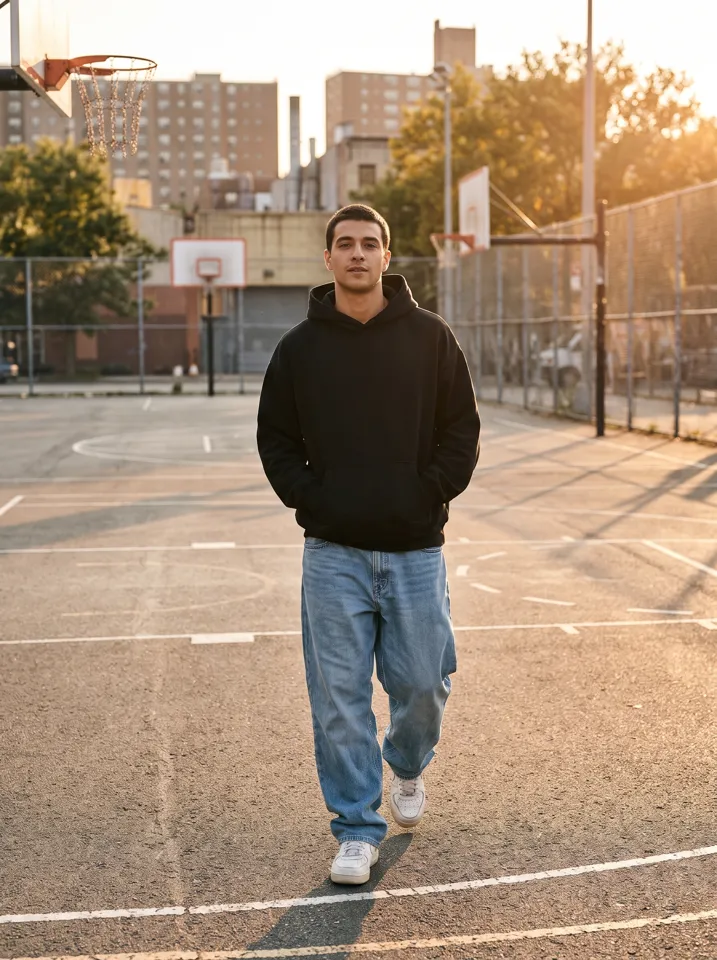 Keep On Steppin AIDo the Cale Brown steps from one photo
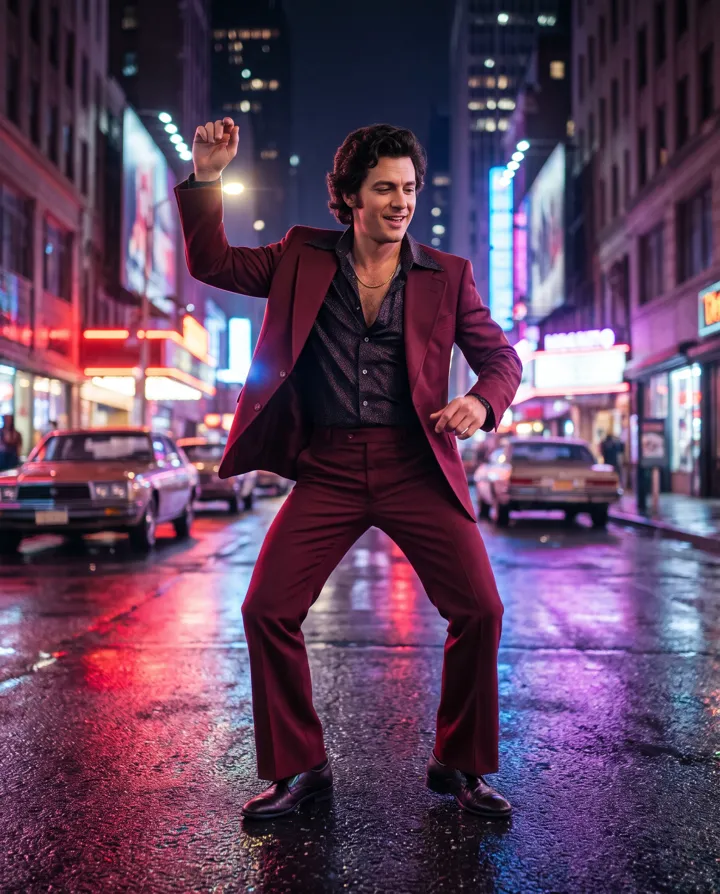 Uptown Funk AILead the Uptown Funk street dance
 2 photosSmalltown Boy AIThe 80s high-note duo dance
 Rumpelstiltskin AIThe tiptoe dance meme, with your face
 2 photosAPT. AIA duo music video in the APT. style
 AI Halloween CostumeSee yourself move in costume
All AI video effects → · Turn any photo into a video with your own prompt →