Pet photo to videoTurn a pet photo into a video
To turn a pet photo into a video, upload one clear photo of your dog, cat or other pet and Vivimo makes a 5-second clip where it blinks, tilts its head, twitches its ears and looks around, with the same fur, markings and background. Best for: cute clips of your own pet for TikTok, Reels or the family chat. The first preview is free, 2 a day, with no sign-up.
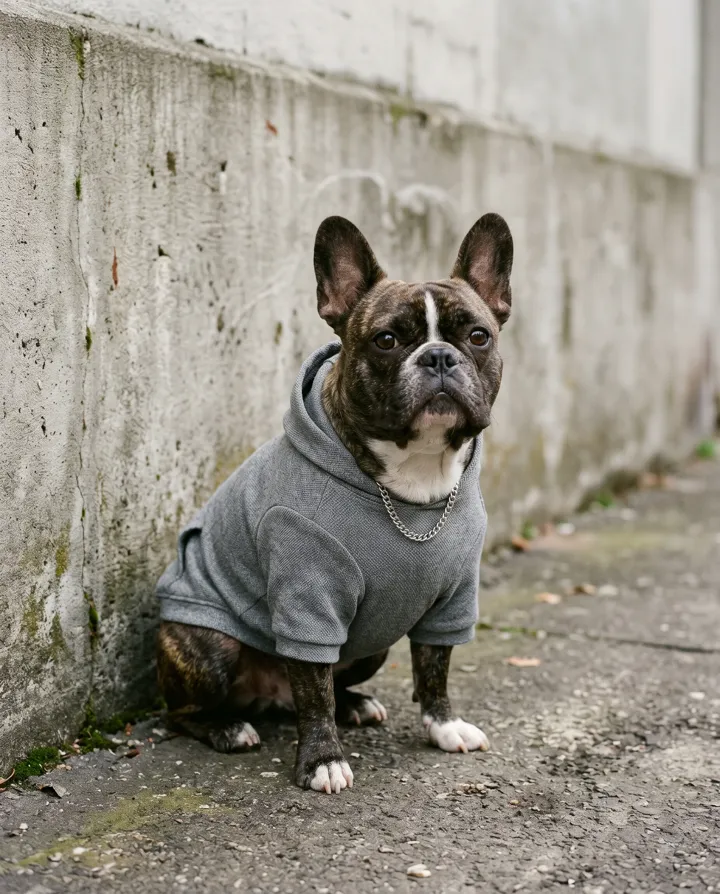
Updated October 27, 2026 · 1 photo · No prompt needed
Quick facts: Pet photo to video on Vivimo
| Photos needed | Photo of your pet |
|---|---|
| Free preview | 2 a day, 5 s at 480p, watch online, no sign-up |
| With credits | 5–15 s, download without watermark; 720p with the Pro pack |
| Price | From $9.99 for 12 credits, one-time; 1 credit = 1 second at 480p |
| Prompt | Not needed; the motion is preset (you can still write your own on the home page) |
| Sound | Video only, no audio |
| Time | Usually 30 seconds to 3 minutes |
What a pet photo video looks like
The preset adds natural animal behaviour: a blink, a curious head tilt, ears that twitch, a look to the side and a small shift of the body. The camera stays still so the pet stays sharp.
It works best with one animal that fills a good part of the frame and is facing the camera. Dogs and cats give the most reliable results; birds, rabbits and reptiles work too but move less predictably.
If you want your pet to dance or do a trend, use the trend pages instead; this page is for a natural, lifelike moment.
How to turn a pet photo into a video
- Pick a sharp photo of one petEyes visible, face toward the camera, not cut off at the edge.
- Upload it and press MakeThe pet motion is preset: blink, head tilt, ears, a look around.
- Watch, then download if you like itThe free preview plays online. Use credits for a watermark-free MP4.
Photo tips for the best result
- Get down to the pet's eye level when you take the photo.
- One animal per photo; two pets often merge or swap features.
- Avoid motion blur; a photo of a sleeping or sitting pet works better than one mid-jump.
- Plain backgrounds keep fur edges clean.
- Long-haired pets: good light shows the fur, which keeps it from smearing.
FAQ
Is it free?
Yes. You get 2 free previews a day: 5 seconds at 480p, watched online with a small Vivimo mark, and no sign-up. To download an MP4 without the mark, buy a one-time credit pack from $9.99 (12 credits; 1 credit = 1 second at 480p).
Can AI make my dog look like it is talking?
Vivimo does not do lip-sync speech. It makes your pet move naturally: blink, tilt its head, twitch its ears and look around.
Does it work with cats?
Yes. Cats and dogs give the most reliable results. Other pets work too but may move less naturally.
Can I use a photo of two pets?
You can, but one pet per photo gives a much cleaner result. Two animals often blend together.
How long is the video?
The free preview is 5 seconds at 480p. With credits you can make 5, 10 or 15 seconds, and 720p with the Pro pack.
Will it keep my pet's markings?
It tries to keep the same fur color, markings and background. Sharp, well-lit photos keep them closest.
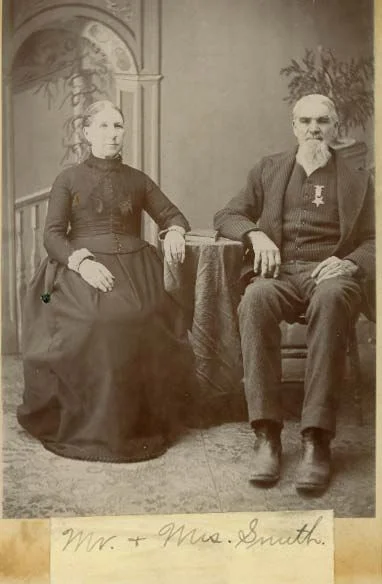 Animate old photos
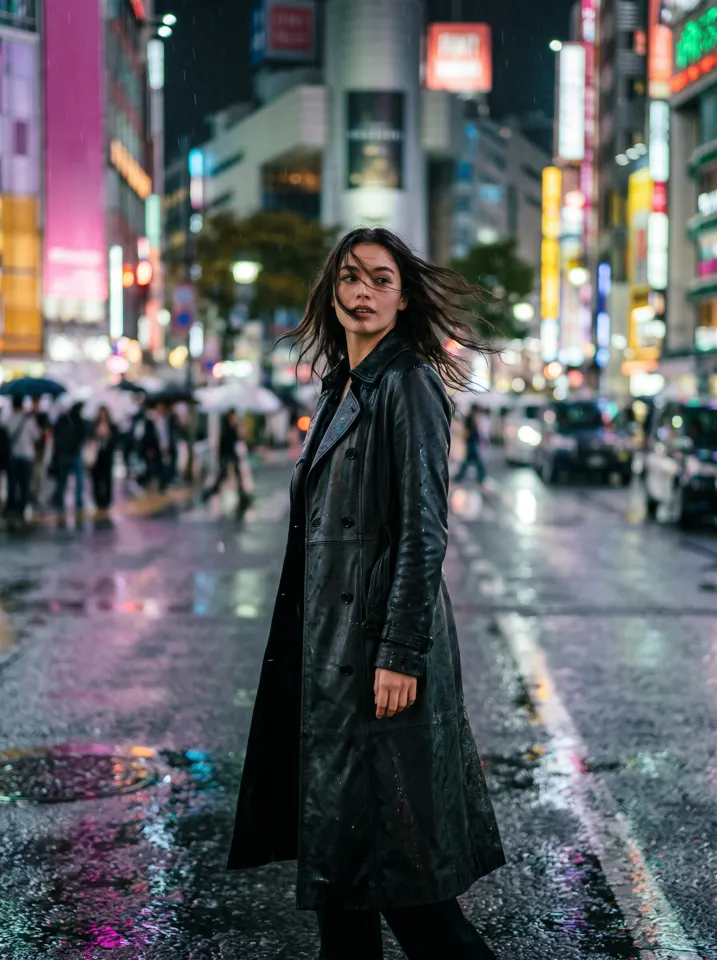 Animate a selfie
 Product photo to video
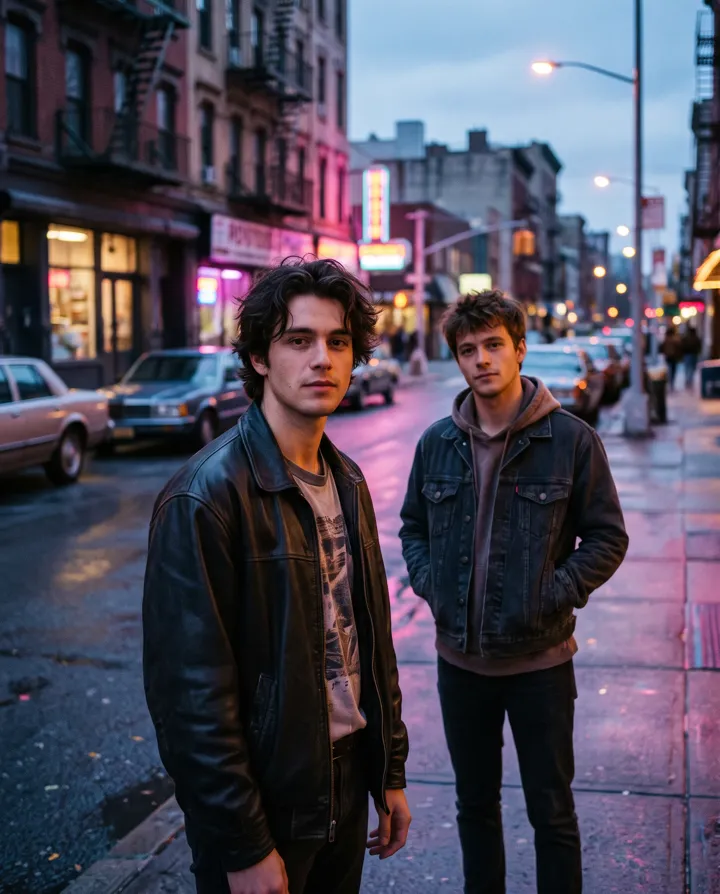 2 photos
Trending AI video effects
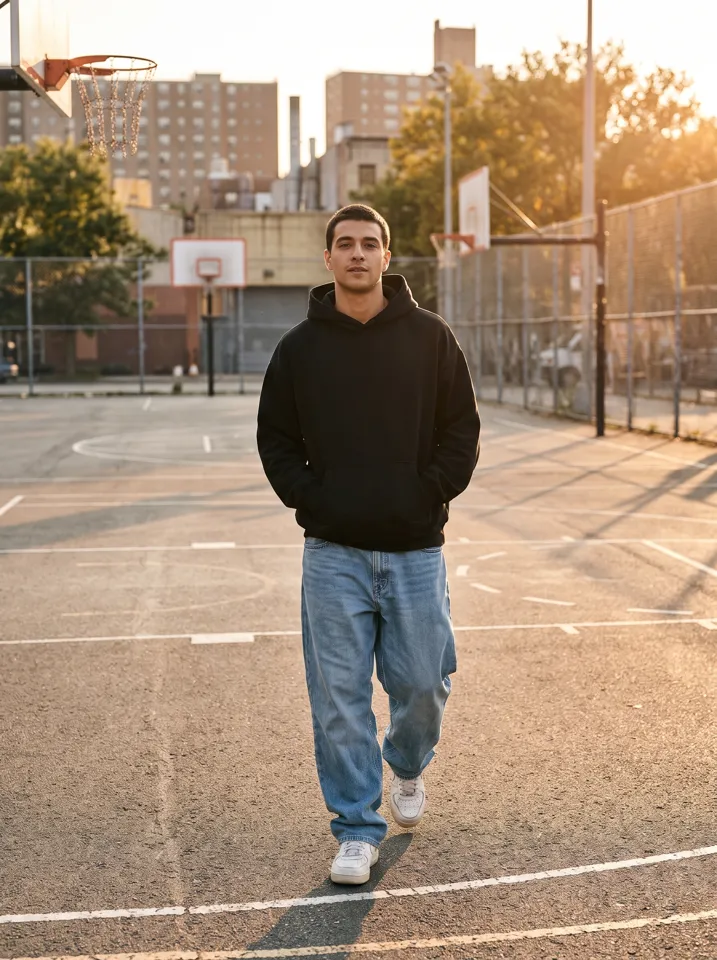 Keep On Steppin AIDo the Cale Brown steps from one photo
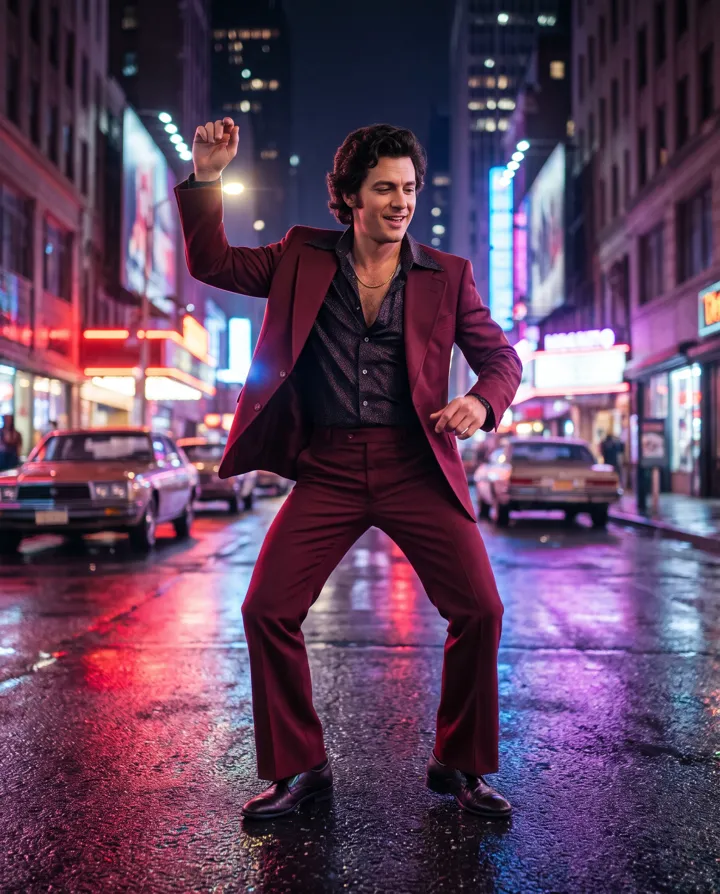 Uptown Funk AILead the Uptown Funk street dance
 2 photosSmalltown Boy AIThe 80s high-note duo dance
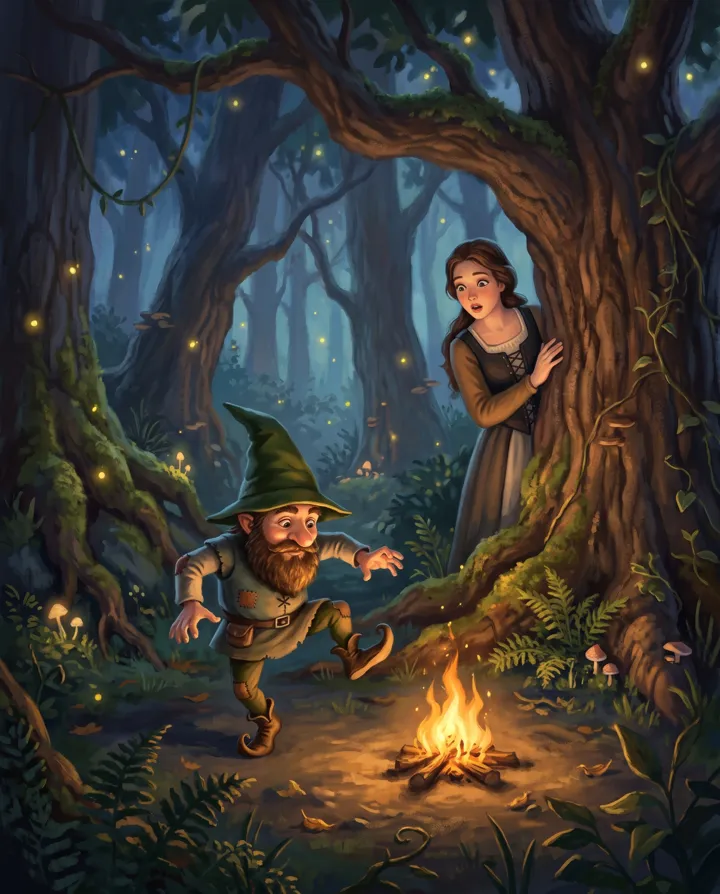 Rumpelstiltskin AIThe tiptoe dance meme, with your face
 2 photosAPT. AIA duo music video in the APT. style
 AI Halloween CostumeSee yourself move in costume
All AI video effects → · Turn any photo into a video with your own prompt →