Animate a photoAnimate a photo or selfie with AI
To animate a photo with AI, upload a selfie or portrait and Vivimo turns it into a 5-second video where you smile, blink, turn slightly toward the camera and your hair and clothes move in a light breeze, with a slow camera push-in. Best for: profile clips, Reels intros and making a still portrait feel alive. The first preview is free, 2 a day, with no sign-up.
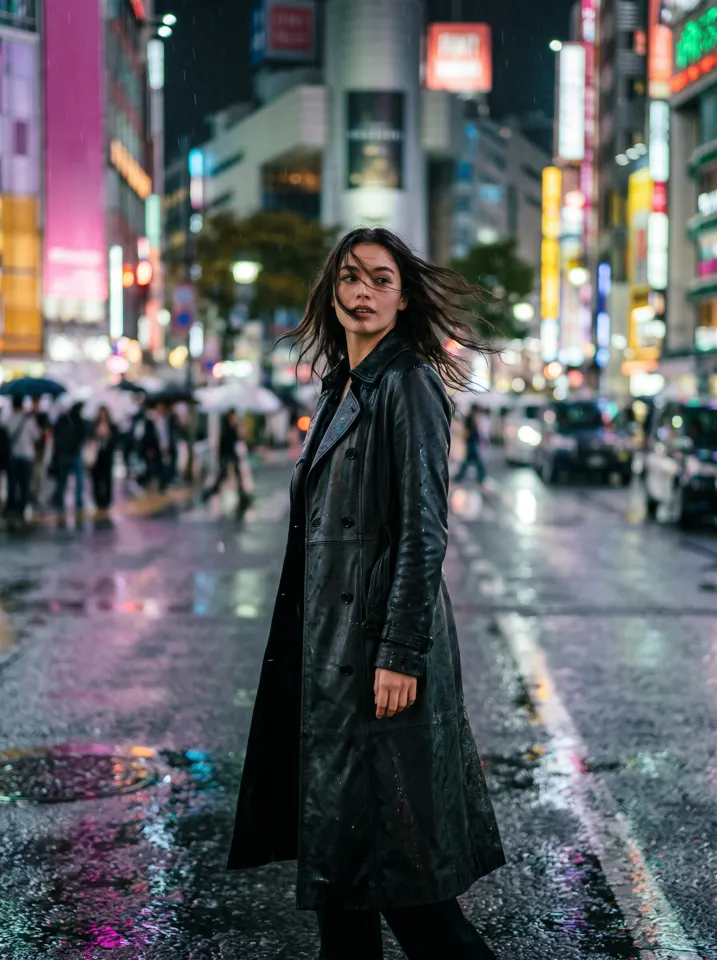
Updated October 27, 2026 · 1 photo · No prompt needed
Quick facts: Animate a selfie on Vivimo
| Photos needed | Selfie or portrait |
|---|---|
| Free preview | 2 a day, 5 s at 480p, watch online, no sign-up |
| With credits | 5–15 s, download without watermark; 720p with the Pro pack |
| Price | From $9.99 for 12 credits, one-time; 1 credit = 1 second at 480p |
| Prompt | Not needed; the motion is preset (you can still write your own on the home page) |
| Sound | Video only, no audio |
| Time | Usually 30 seconds to 3 minutes |
How "animate a photo" works
An image-to-video model uses your photo as the first frame and predicts the next seconds. The preset asks for small, natural movement so your face stays the same.
You can also write your own motion on the home page, for example "she laughs and looks over her shoulder". Specific, physical descriptions work better than moods.
This is the same tool many people mean by "photo to video", "make a picture move" or "live photo AI".
How to animate a photo or selfie with AI
- Choose a clear portraitFace visible, good light, not tilted away from the camera.
- Upload it and press MakeThe motion is preset: smile, blink, slight turn, light breeze, slow push-in.
- Watch, then download if you like itThe free preview plays online. Use credits for a watermark-free MP4 or 10–15 seconds.
Photo tips for the best result
- Face the camera or turn only slightly; profile shots drift more.
- Even light on the face; harsh shadows can change features.
- Head and shoulders or half body works best for this motion.
- No sunglasses, masks or hair over the eyes.
- Only upload photos of yourself or of people who agreed.
FAQ
Is it free?
Yes. You get 2 free previews a day: 5 seconds at 480p, watched online with a small Vivimo mark, and no sign-up. To download an MP4 without the mark, buy a one-time credit pack from $9.99 (12 credits; 1 credit = 1 second at 480p).
How do I make a still photo move?
Upload it to an image-to-video tool. On Vivimo, upload the photo, press Make, and in about a minute you get a 5-second clip with natural motion.
Can I choose the movement?
Yes. On the home page you can type your own motion in one sentence, or pick a preset such as smile, wave or turn.
Will my face change?
The model tries to keep it the same. Clear, front-facing photos and gentle movement keep it closest.
Can I do this on my phone?
Yes. Vivimo works in the phone browser with no app to install.
Can I animate a photo of someone else?
Only with their permission. Do not upload photos of children, celebrities or anyone who has not agreed.
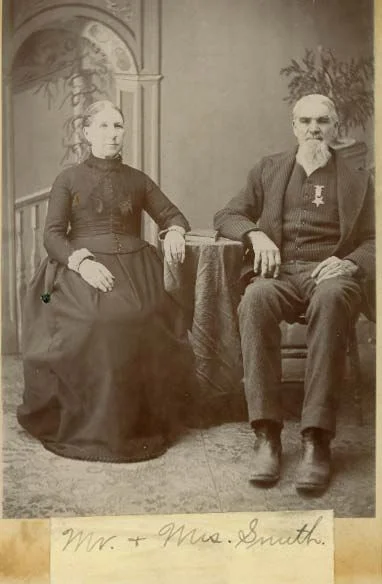 Animate old photos
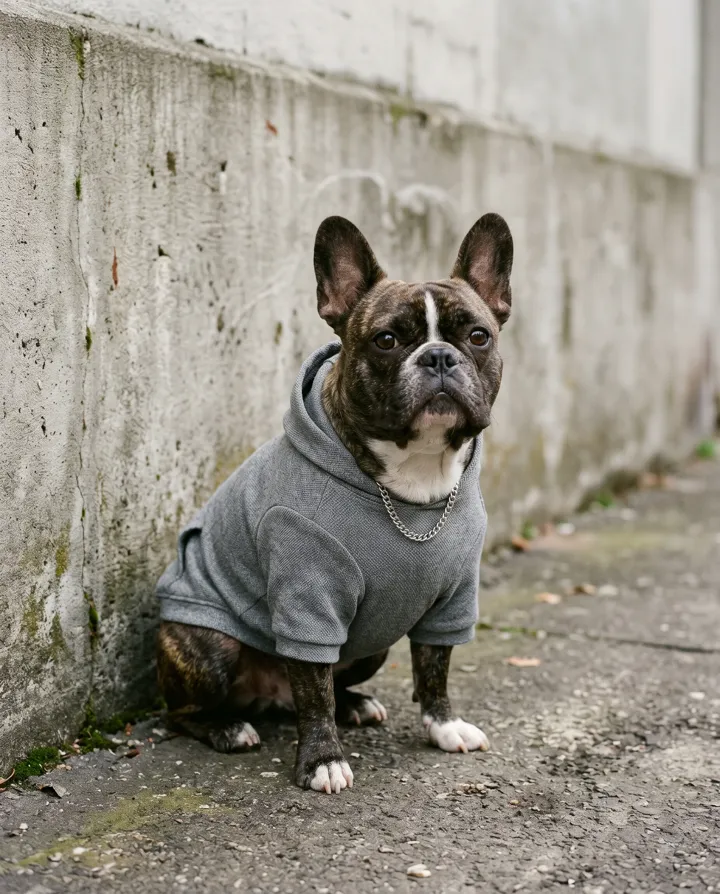 Pet photo to video
 Product photo to video
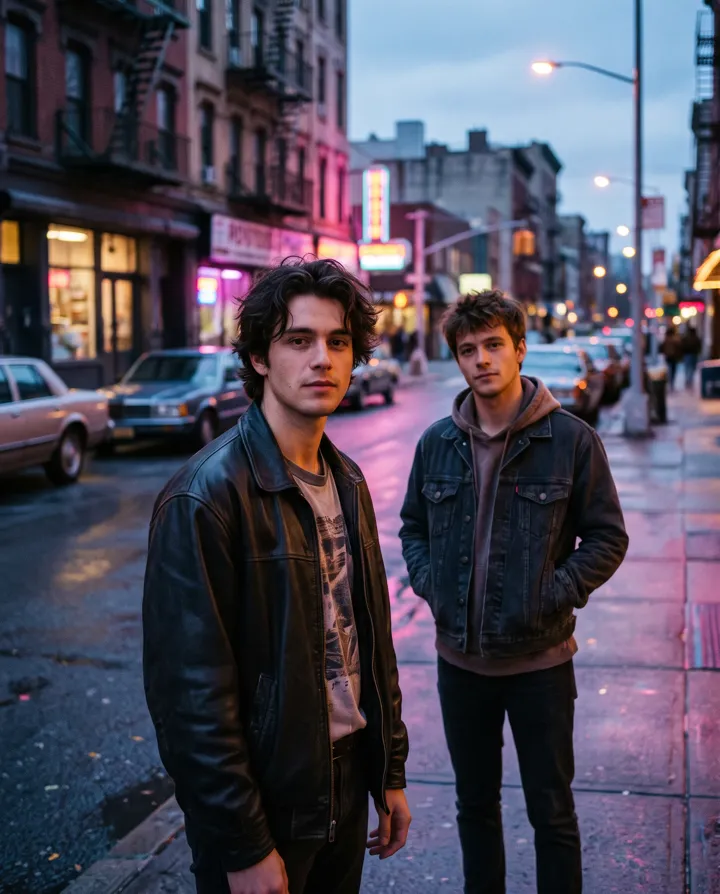 2 photos
Trending AI video effects
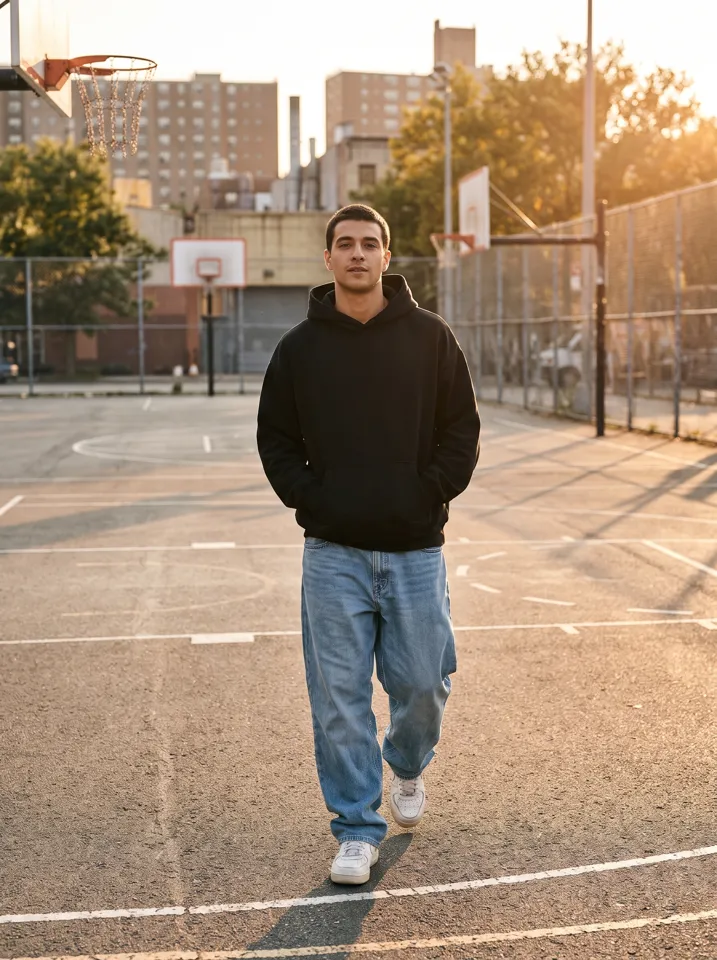 Keep On Steppin AIDo the Cale Brown steps from one photo
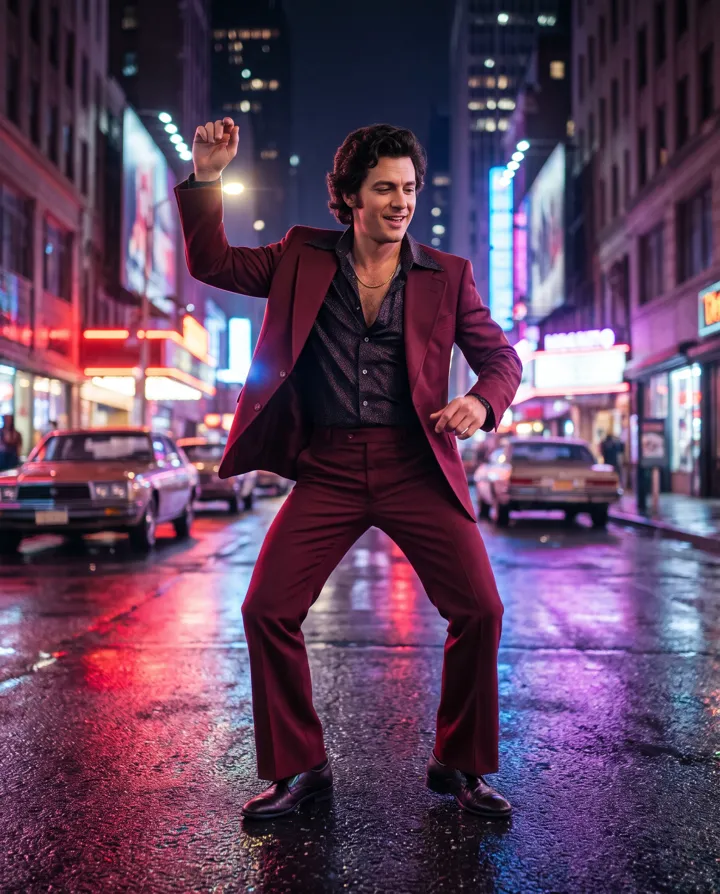 Uptown Funk AILead the Uptown Funk street dance
 2 photosSmalltown Boy AIThe 80s high-note duo dance
 Rumpelstiltskin AIThe tiptoe dance meme, with your face
 2 photosAPT. AIA duo music video in the APT. style
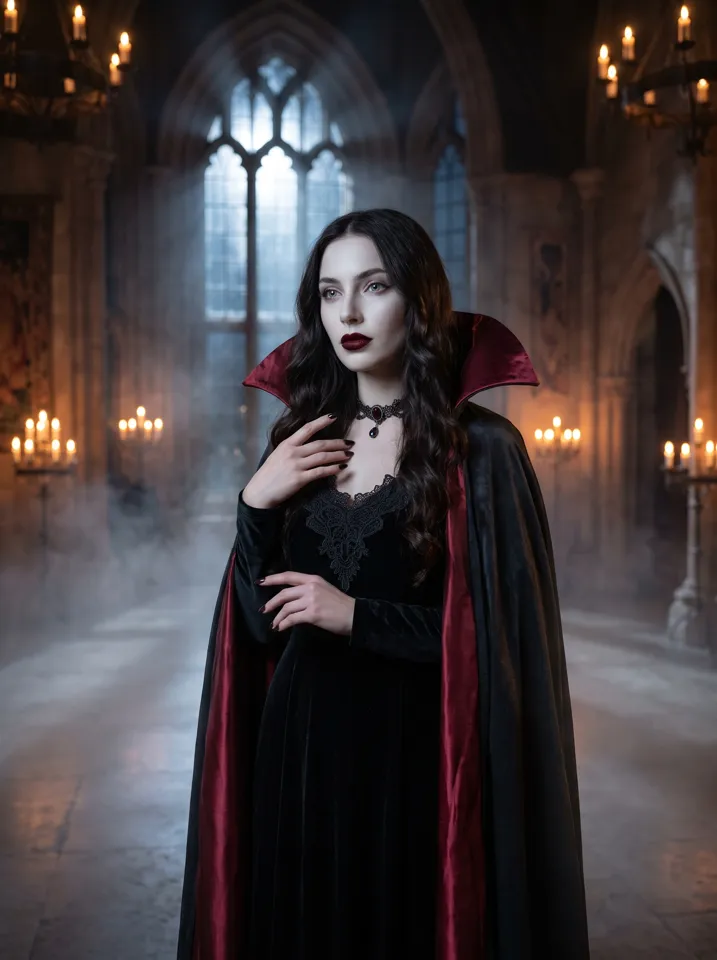 AI Halloween CostumeSee yourself move in costume
All AI video effects → · Turn any photo into a video with your own prompt →