Halloween porch cam danceAI Halloween porch cam dance from one photo
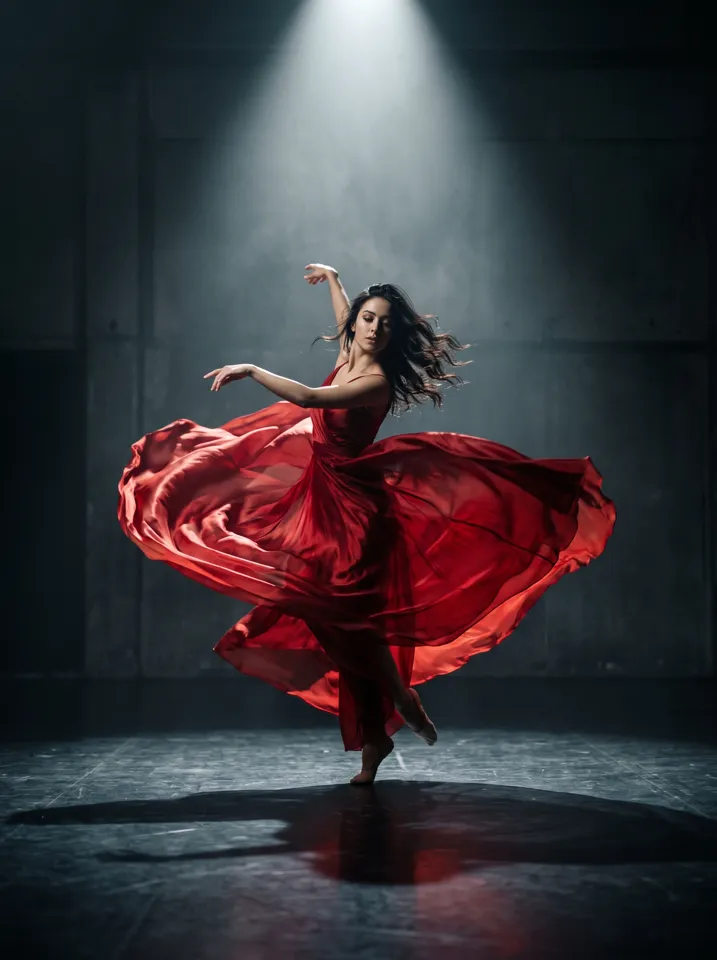
The AI Halloween porch cam dance is a video that looks like doorbell security footage: someone in a Halloween costume steps onto a front porch at night and dances for the camera, with a fisheye angle, grainy night colors and a timestamp. To make yours, upload one clear front-facing photo, pick a costume (skeleton, vampire, witch and more) and Vivimo makes a 5-second clip. The first preview is free, 2 a day, no sign-up. Halloween clips peak in the last week of October.
Updated October 27, 2026 · 1 photo · No prompt needed
Quick facts: Halloween porch cam dance on Vivimo
| Photos needed | 1 clear, front-facing photo |
|---|---|
| Free preview | 2 a day, 5 s at 480p, watch online, no sign-up |
| With credits | 5–15 s, download without watermark; 720p with the Pro pack |
| Price | From $9.99 for 12 credits, one-time; 1 credit = 1 second at 480p |
| Costumes | Skeleton, vampire, witch, zombie, ghost bride, werewolf, pumpkin king, dark angel |
| Sound | Video only; add a Halloween sound when you post |
| Time | Usually 30 seconds to 3 minutes |
What is the AI Halloween porch cam trend?
It is one of the most-made AI Halloween formats of October 2026: an AI clip styled as doorbell or security-camera footage of a costumed person dancing at a front door. The look is the joke: a cheap, high-angle fisheye camera, porch light, pumpkins and an on-screen timestamp.
Felo credits the original viral video to the TikTok account @danielesalari94999. AI versions let you put yourself in the costume without dressing up or filming.
Vivimo builds the porch scene from your photo, so your own background does not matter. Videos are silent; add a Halloween sound such as "Thriller" or a trending audio when you post.
How to make the Halloween Porch Cam Dance AI video
- Upload one clear photoFace visible and front-facing; one person only. A selfie works.
- Pick a costumeSkeleton (default), vampire, witch, zombie, ghost bride, werewolf, pumpkin king or dark angel.
- Make it, then post with a spooky soundFree 5-second preview; use credits for a watermark-free MP4.
Photo tips for the best result
- Front-facing photo with even light; the face must survive the fisheye angle.
- One person per photo.
- No sunglasses or masks; the costume is added for you.
- Post it as 9:16 with a Halloween sound for the doorbell-cam effect.
- Only use photos of yourself or of adults who agreed.
FAQ
What is the AI Halloween doorbell camera trend?
An AI video styled as doorbell security footage of someone in a Halloween costume dancing on their porch at night: fisheye angle, grainy night colors, timestamp.
How do I make the porch cam dance video?
Upload one front-facing photo on this page, pick a costume and press Make. You get a 5-second clip in about a minute.
Which costumes can I choose?
Skeleton (default), vampire, witch, zombie, ghost bride, werewolf, pumpkin king or dark angel.
Is it free?
Yes. 2 free previews a day: 5 seconds at 480p, watched online, no sign-up. Downloading a watermark-free MP4 uses credits, from $9.99 for 12 credits.
Does it have sound?
No. Add the trend sound or a Halloween song in TikTok, Reels or Shorts.
Do I need a photo of my own porch?
No. The porch, door and pumpkins are generated; you only need a photo of yourself.
More AI video trends
 3 photosGangnam Style AIThe night-street trio selfie, with 1 or 3 photosKeep On Steppin AIDo the Cale Brown steps from one photo
 Uptown Funk AILead the Uptown Funk street dance
 2 photosSmalltown Boy AIThe 80s high-note duo dance
 Rumpelstiltskin AIThe tiptoe dance meme, with your face
 2 photosAPT. AIA duo music video in the APT. style
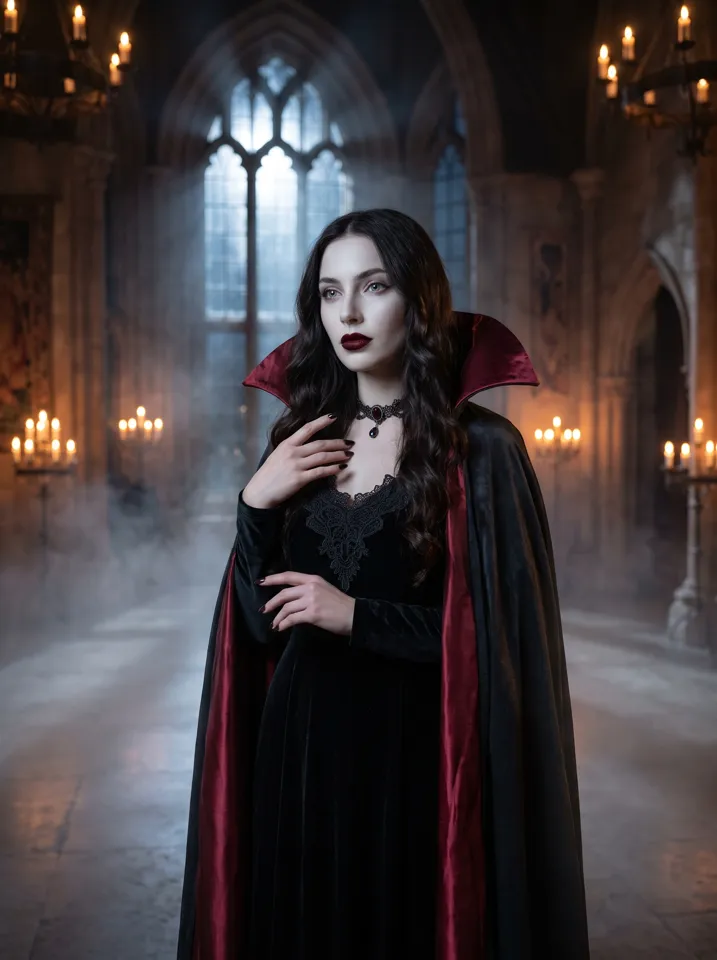 AI Halloween CostumeSee yourself move in costume
Popular ways to use Vivimo
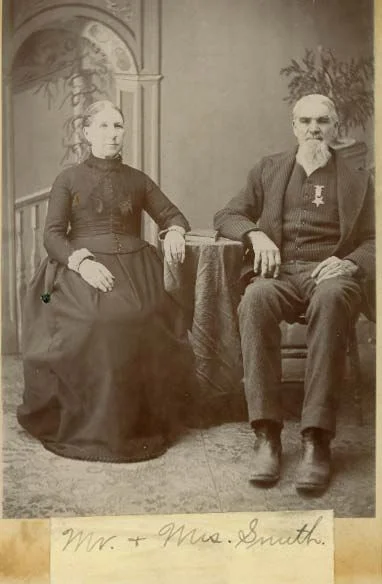 Animate old photosBring a family photo gently to life
 Pet photo to videoMake your dog or cat blink and look around
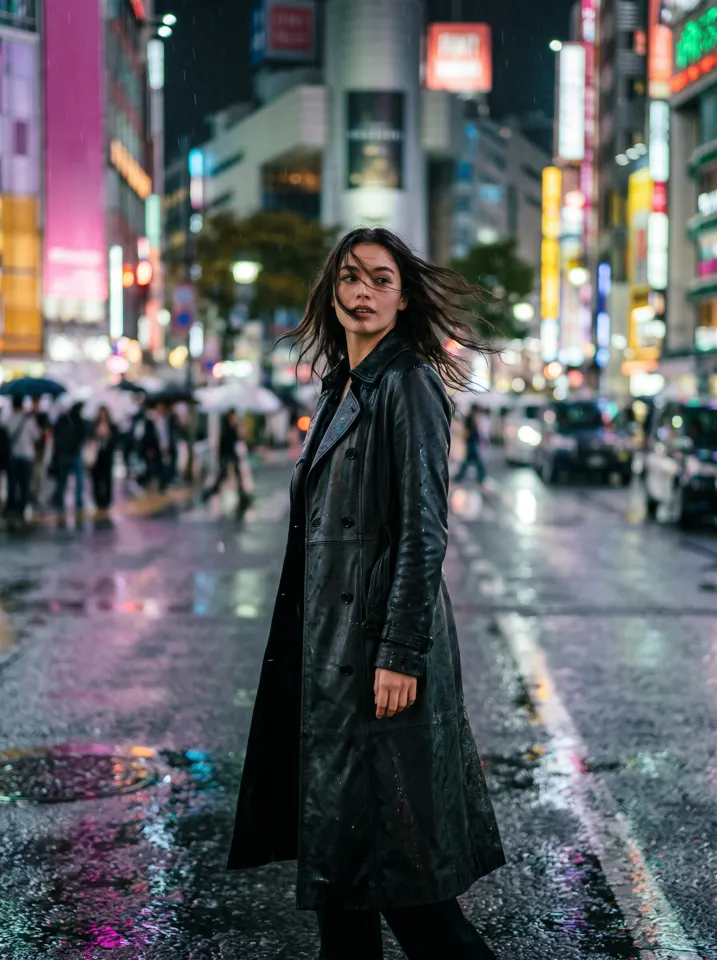 Animate a selfieMake a portrait smile, blink and turn
 Product photo to videoTurn a product shot into a short ad
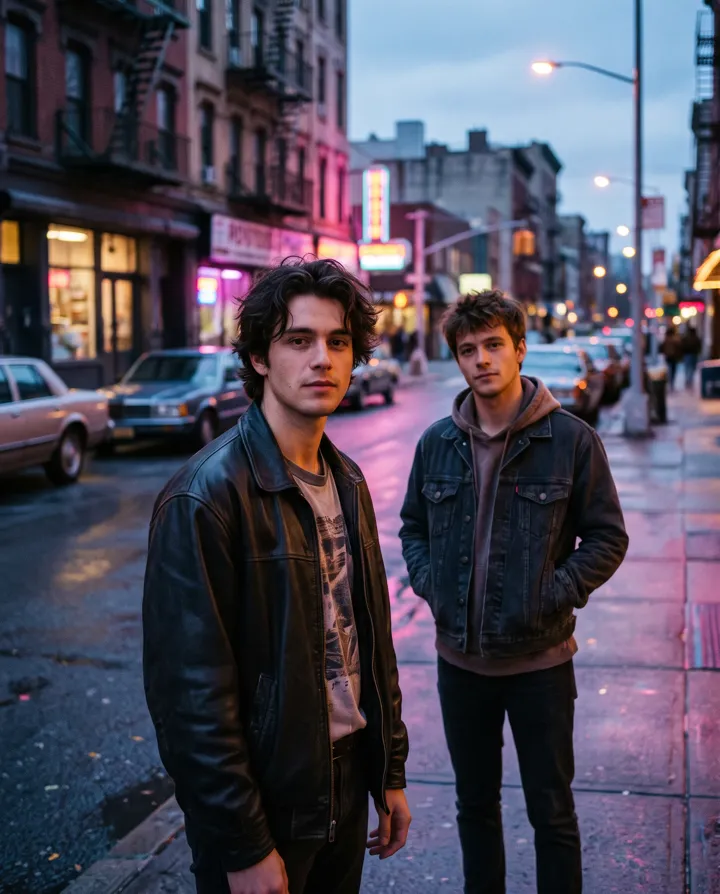 2 photosAI hug videoTwo photos, one warm hug
All AI video effects → · Turn any photo into a video with your own prompt →