Kling 4.0Kling 4.0 image to video, online
Kling 4.0 is Kuaishou's newest AI video model, launched in October 2026 after Kling 4.0 Flash opened to early users on 28 September. It makes up to 30-second clips at up to 4K with 10-bit HDR and two-channel stereo audio, and accepts up to 10 keyframes and 15 reference assets. On Vivimo you can use Kling 4.0 image to video in the browser without an API key: upload a photo, describe the motion, and get a 720p video of 5, 10 or 15 seconds for 2 credits per second (Pro pack, $49.99 for 90 credits, one-time).
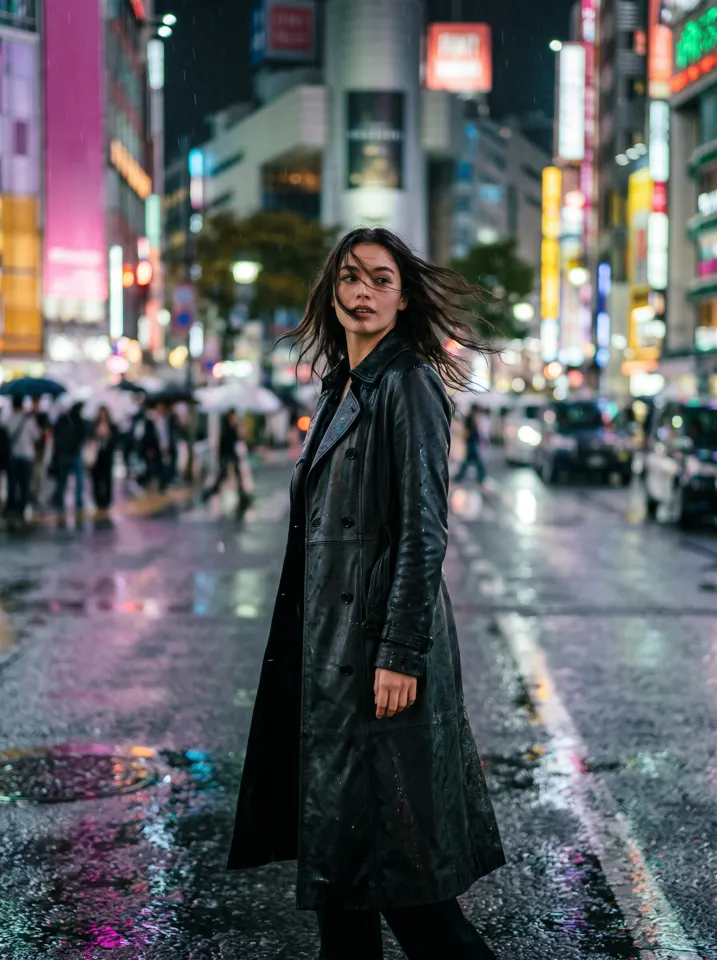
Updated October 27, 2026 · 1 photo · Write your own motion
Quick facts: Kling 4.0 image to video on Vivimo
| Model | Kling 4.0 (Kuaishou), image to video |
|---|---|
| On Vivimo | 720p, 5/10/15 s, silent MP4, no watermark |
| Price | 2 credits per second: 10 credits for 5 s |
| Pack needed | Pro ($49.99, 90 credits, one-time, never expire) |
| Prompt | Yes, describe the motion in one or two sentences |
| Free preview | No; use the 480p fast model for free tests |
| Time | Usually 1 to 4 minutes |
Kling 4.0 specs
Length: 3 to 30 seconds in one pass (Kling 3.0: 3–15 s). Resolution: 720p, 1080p and 4K, with 10-bit HDR at 1080p and 4K and a new 21:9 format.
Audio: two-channel stereo with better lip-sync. Control: up to 10 keyframe images and up to 15 reference assets (10 images, 7 subjects, 5 videos). Prompts up to 8,000 tokens.
Kling 4.0 Flash is the faster early-access tier: 3–20 seconds at 720p, 8-bit SDR, first-frame image-to-video.
On Vivimo, Kling 4.0 runs through WaveSpeedAI at 720p, 5–15 s, as silent video; 1080p, 4K, HDR and audio are not offered here.
| Kling 4.0 | Kling 4.0 Flash | Kling 3.0 | |
|---|---|---|---|
| Length | 3–30 s | 3–20 s | 3–15 s |
| Resolution | 720p, 1080p, 4K | 720p | 720p, 1080p, 4K |
| HDR | 10-bit at 1080p/4K | No (8-bit) | No (8-bit) |
| Audio | Stereo | Not stated | Mono |
| Keyframes | Up to 10 | First frame | Start and end frame |
How to kling 4.0 image to video, online
- Upload a photoSharp, well lit; the first frame of your video.
- Describe the motionOne or two sentences: action, then camera. E.g. "he walks toward the camera, slow tracking shot".
- Make it720p, 5 s by default; 10–15 s also available. 2 credits per second.
Photo tips for the best result
- Describe physical action and camera movement, not moods.
- One main action per 5 seconds keeps motion clean.
- Use a photo that already has the framing you want.
- Faces stay closest to the photo with moderate movement.
- For free tests, try the 480p fast model on the home page first.
FAQ
When was Kling 4.0 released?
Kling announced the full launch for October 2026; Kling 4.0 Flash opened to limited early access on 28 September 2026.
What is new in Kling 4.0?
Up to 30-second clips, 10-bit HDR at 1080p/4K, stereo audio, up to 10 keyframes, up to 15 reference assets, 21:9 output and targeted video editing.
Can I use Kling 4.0 without a subscription?
Yes, on Vivimo: credit packs are one-time payments and credits never expire. Kling 4.0 uses 2 credits per second at 720p and needs the Pro pack ($49.99 for 90 credits).
How much does a Kling 4.0 video cost on Vivimo?
A 5-second 720p video is 10 credits, 10 seconds is 20 and 15 seconds is 30. With the Pro pack that is about $0.56 per credit.
Is there a free Kling 4.0 trial on Vivimo?
No. Free previews use the 480p fast model. Kling 4.0 is for paid 720p videos.
Does Vivimo support Kling 4.0 audio, 1080p or 4K?
Not yet. Vivimo offers Kling 4.0 image to video at 720p without audio.
Is Vivimo affiliated with Kling?
No. Vivimo is independent and uses Kling 4.0 through WaveSpeedAI's API.
More ways to turn a photo into a video
 Animate old photos
 Pet photo to video
 Product photo to video
 2 photos
Trending AI video effects
 Halloween porch cam danceDance on a doorbell camera in costume
 3 photosGangnam Style AIThe night-street trio selfie, with 1 or 3 photosKeep On Steppin AIDo the Cale Brown steps from one photo
 Uptown Funk AILead the Uptown Funk street dance
 2 photosSmalltown Boy AIThe 80s high-note duo dance
 Rumpelstiltskin AIThe tiptoe dance meme, with your face
 2 photosAPT. AIA duo music video in the APT. style
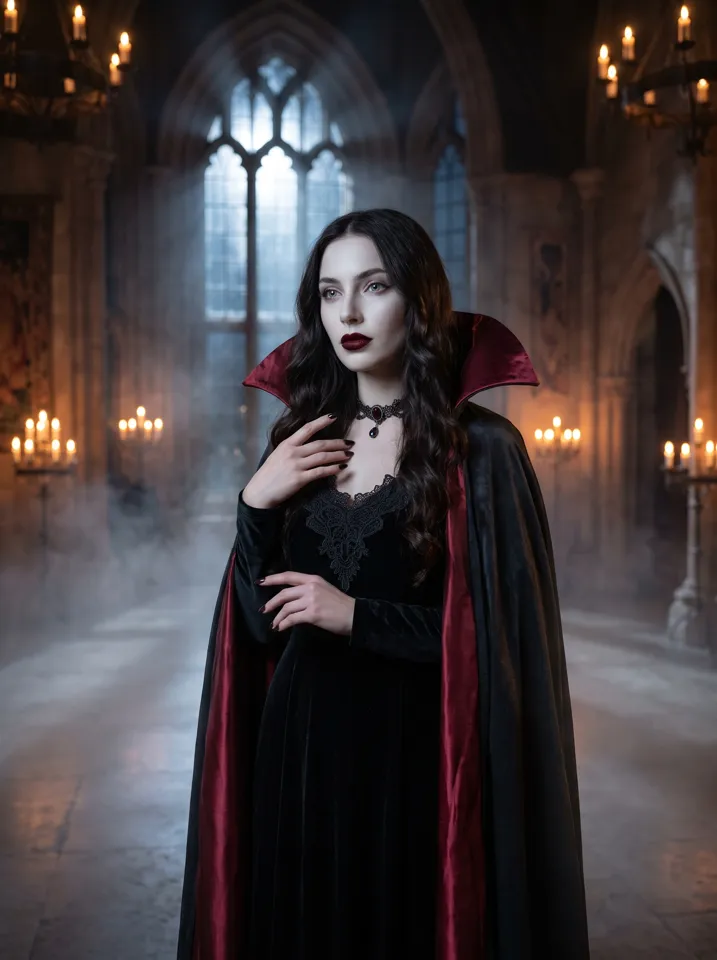 AI Halloween CostumeSee yourself move in costume
All AI video effects → · Turn any photo into a video with your own prompt →